1. Turn on Gong integration (to be created) currently its ‘webhook’
2. Copy the Webhook URL.
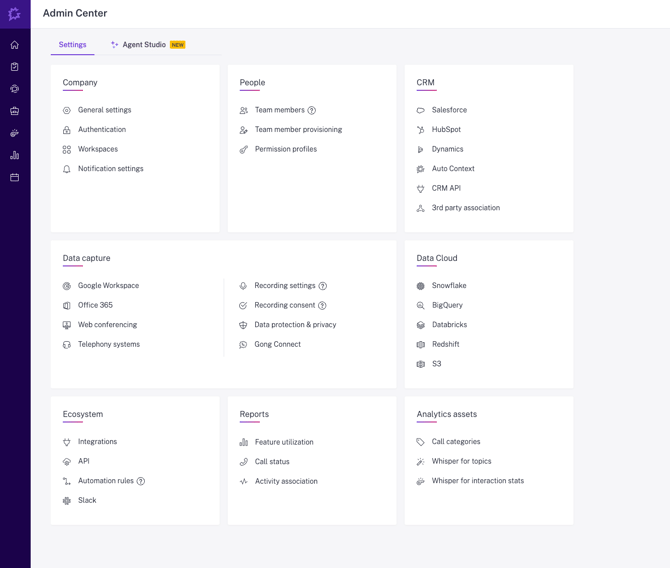
3. In Gong - go to the company settings and select “Automation rules”
Further details can be found: https://help.gong.io/docs/create-a-webhook-rule
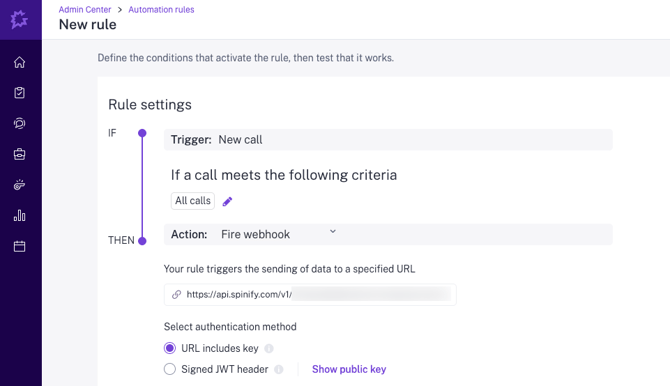
4. Under the Trigger choose which calls you want to send to Spinify. By default this is “All calls”
5. In the action, choose Fire Webhook and enter the URL from step 2. Authentication method is: URL includes key
6. Set a Name and Description so that you know where the data is being sent. 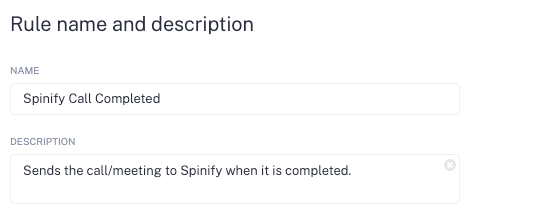
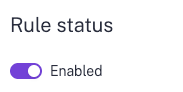
7. Set Rule Status to Enabled.