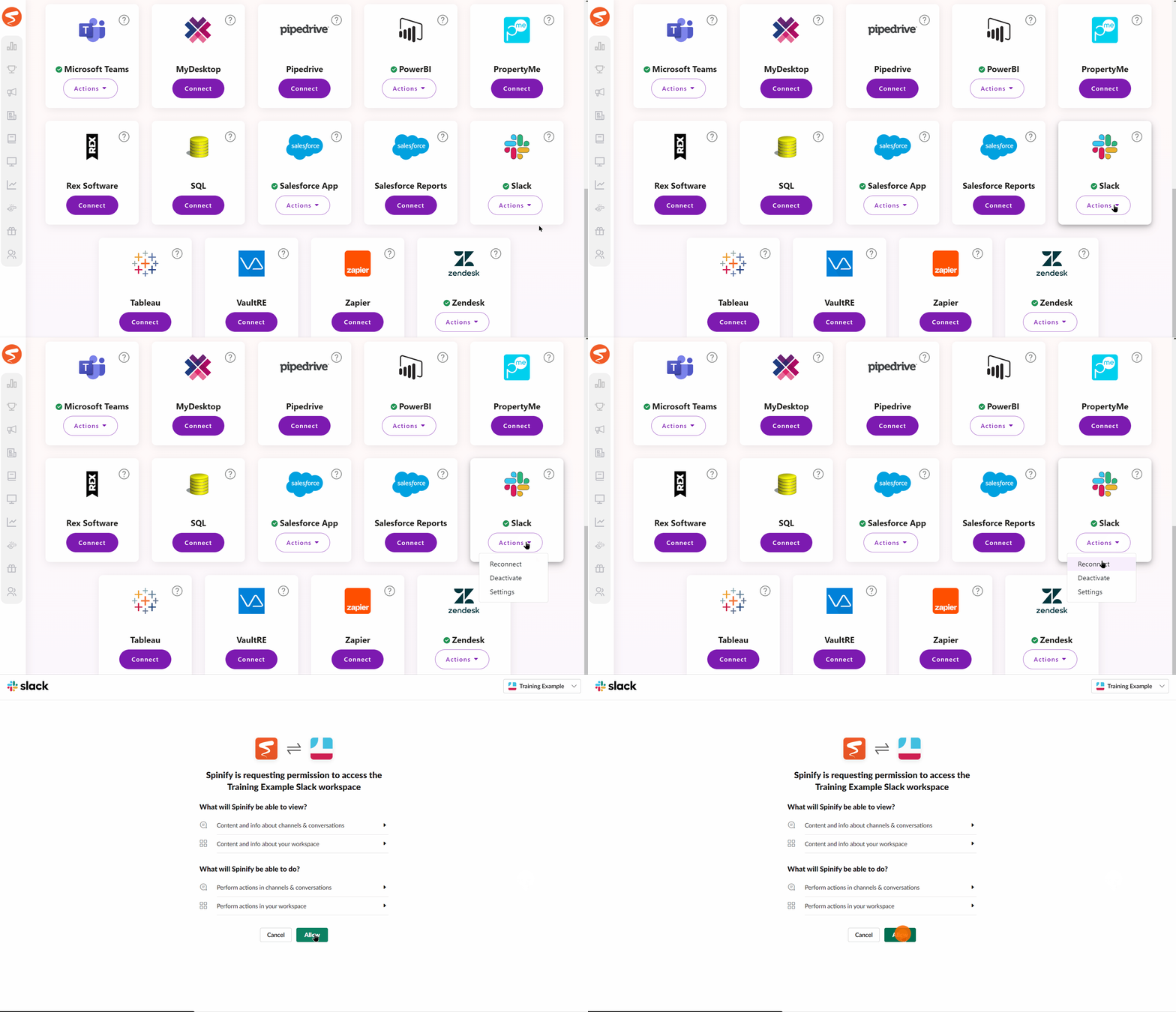
After changing your Slack user's password or upgrading to the new app you will need to reconnect your Slack team with Spinify.
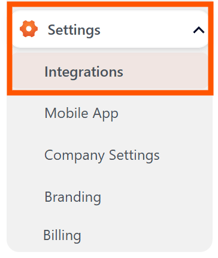
1. Go to the integrations page
- Log into your MySpinify account
- From the left-hand menu, select settings
- Then select Integrations
2. Reconnect Slack to Spinify
- Find the Slack card
- Click on Actions and select Reconnect
- Click Allow
- If you have multiple teams, select the team you want to connect to Spinify