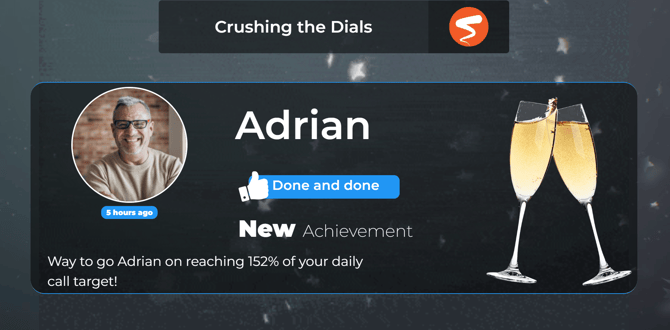
The Recognition Agent is your AI-powered celebration partner. It automatically monitors team performance, tracks target progress, and welcomes new faces to the team—ensuring your culture stays vibrant without you lifting a finger.
How to Build Your Recognition Agent
Follow these steps to get your automated celebrations up and running:
-
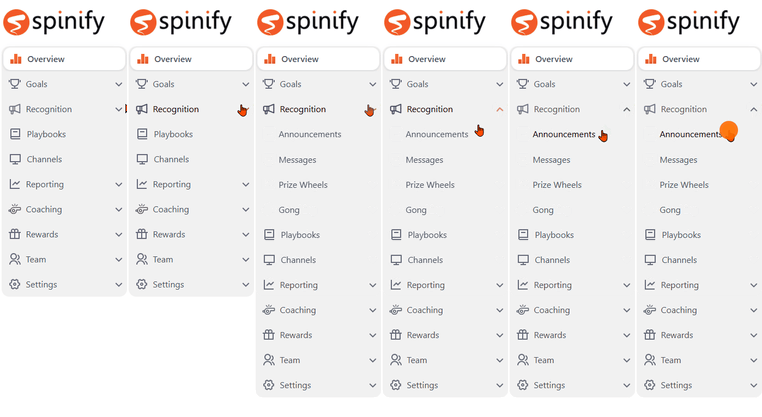
In the left-hand menu, click Recognition.
-
Select the Announcements tab.
-
Click the Manage Achievements button in the top right.
-
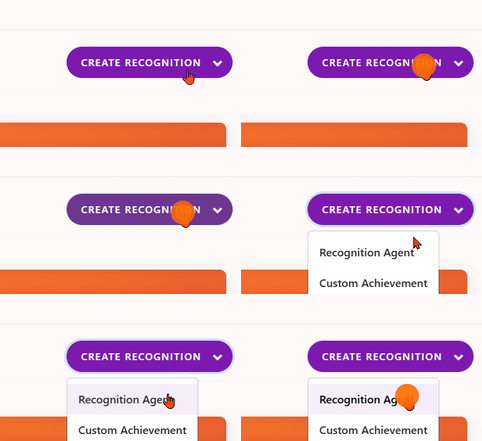
Click Create Recognition and select Recognition Agent from the options.
-
Enter a Name and Description for your agent so you can easily identify it later.
-
Choose Your Triggers: Select the performance categories you want the agent to monitor:
-
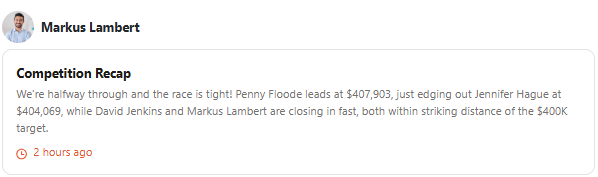
Competition Milestones: Celebrates wins like "Percentage to Target," "Target Hit," or "Target Crushed." As well as Competition Updates in your Spinify Channels, Activity Feed, Slack or Microsoft Teams channels, like the following:
-
Rep Performance: Focuses on cultural wins, such as "Welcome to the Team" for new members.
-
Pro Tip: You can select both to cover all bases! 😉
-
-
Select the specific days and times you want the agent to be active, as well as the frequency of its monitoring.
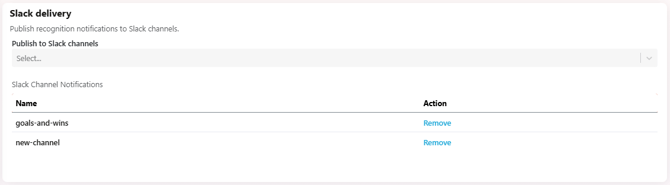
- If you have Spinify connected to Slack, add your Recognition Agents to your Slack Channels
-
Choose the Channel where the celebrations will appear.
Note: The agent will only monitor competitions that are assigned to the same channel it is broadcasting to.
-
Ensure the toggle is set to Enabled and click Create Recognition.

Voilà! Your AI agent is now officially on the clock, ready to hype up your team.